Breadcrumb: Getting Started
Sign in and sign out
Sign in to ABACare in the web app or the mobile app, and sign out when you are done.
You sign in to ABACare with the email address and password of your account, in the web app, the mobile app or both. Every role signs in the same way. Sign out when you finish on a computer or phone that other people use.
Before you start
You need an active account. If your clinic invited you, accept the invitation first to set your password.
Sign in
Web
Open the ABACare website and select Login at the top. The sign-in page opens.
- To change the language, use the selector at the top right.
- Enter your Email and Password. Select the eye icon to check the password you typed.
- Select Sign In.
Your dashboard opens.
Mobile
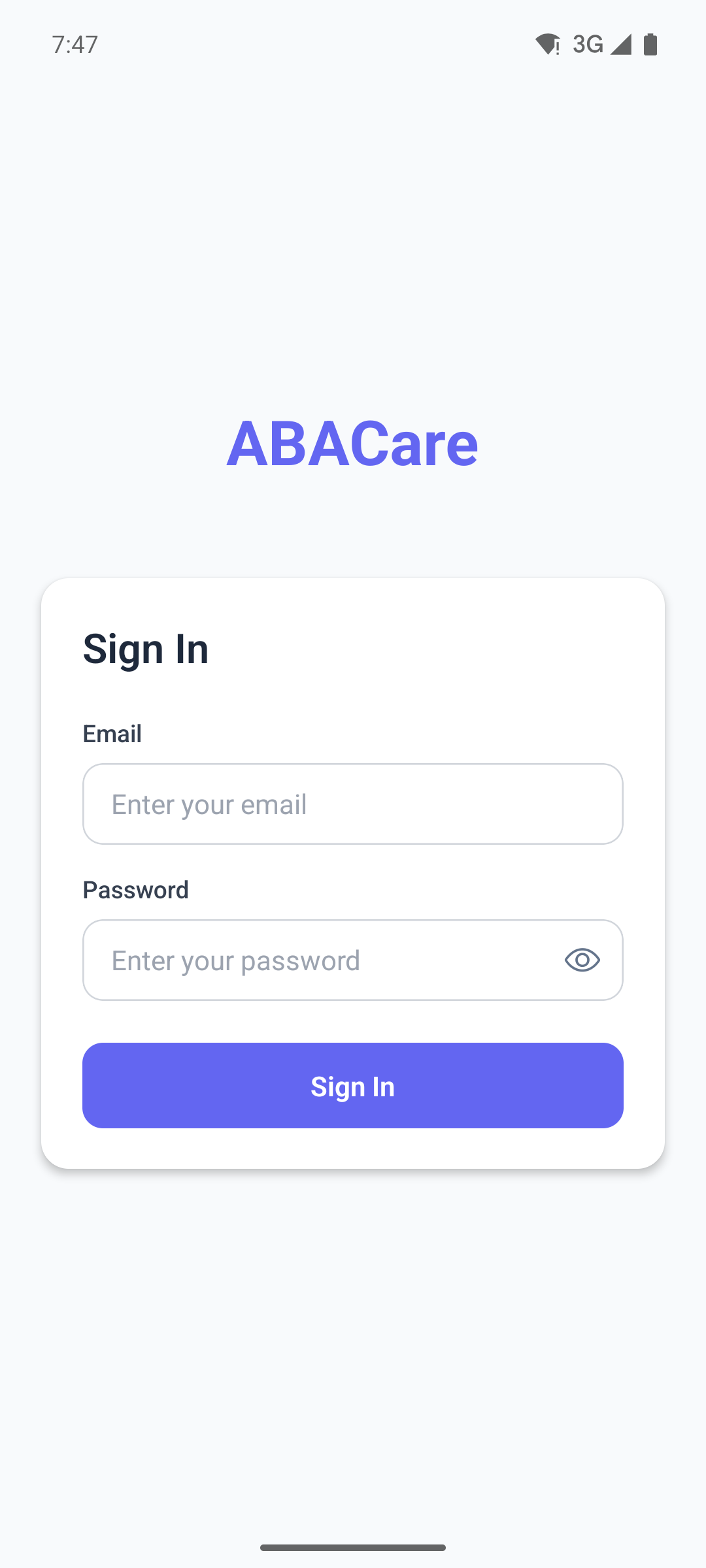
Open the ABACare app on your phone.
The sign-in screen shows whenever you are signed out.
- Enter your Email and Password. Tap the eye icon to check the password you typed.
- Tap Sign In.
The app welcomes you and opens your home screen.
If you cannot sign in
- Invalid email or password means the email address or the password is wrong. The message does not say which, so check both. It also shows if you have not accepted your invitation yet.
- Unauthorized access, in the web app, means your password is right but your account is not active. Ask your org owner. The mobile app shows Invalid email or password in this case.
- Too many attempts. Please wait a moment and try again. means there were too many tries in a short time. Wait a minute, then try again.
- In the mobile app, a lost connection also shows Invalid email or password. Check that your phone is online.
- If you forgot your password, select Forgot your password? on the web sign-in page. The mobile app has no reset option. See Reset a forgotten password.
Sign out
Web
Sign out from the top bar.
- Select Logout at the top right.
You go back to the sign-in page.
Mobile
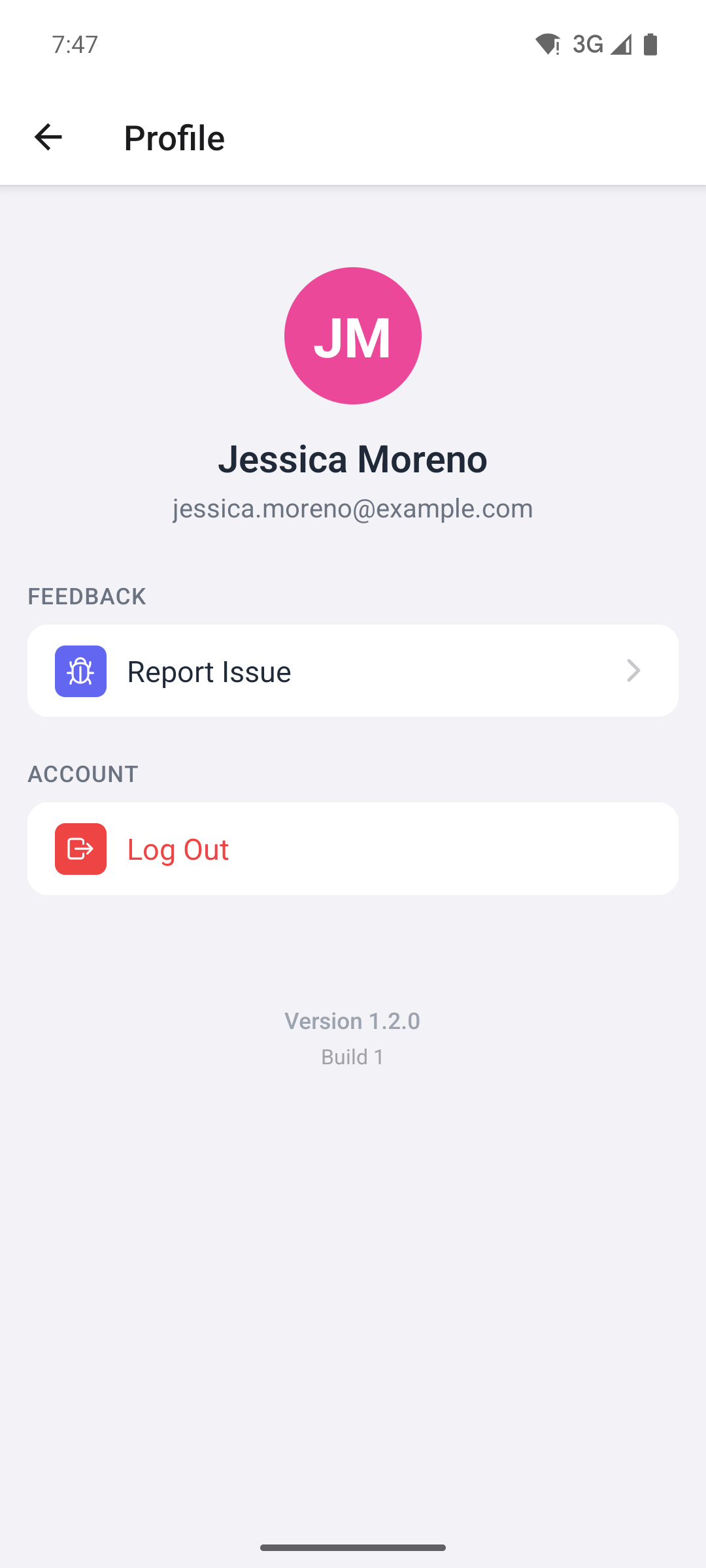
Sign out from your profile.
Start from the home screen.
- Tap the person icon at the top right. Profile opens.
- Under Account, tap Log Out.
- Confirm with Logout.
What happens next
- ABACare keeps you signed in on that device until you sign out. After 30 days without using it, you need to sign in again.
- If your clinic deactivates your account, you are signed out.
- If you open the mobile app with no internet connection, it signs you out. Sign in again once you are back online.
- If your web session ends while a page is open, your next click takes you to the ABACare website. Select Login to sign in again.